
During a conference with projected visual aids, the audience’s attention is divided between the speaker and the screen. This split attention changes how the message is received, remembered and understood. Measuring the technical factors that affect readability and engagement helps you prepare a presentation where the projection screen supports the talk rather than competing with it.
Slide readability: projection screen in a room or video stream
A slide that is perfectly readable from the back of a conference room can become illegible as soon as it is streamed to a small screen during a video conference. Reading conditions vary by channel, and preparation needs to take this into account.
| Parameter | In-room projection | Video stream (individual screen) |
|---|---|---|
| Perceived display size | Large (several metres diagonally) | Small (part of a screen shared with the webcam) |
| Ambient contrast | Depends on the room lighting | Depends on the participant’s brightness settings |
| Text readability | Readable if the font is large enough | Small text becomes blurry after video compression |
| Automatic captions | Rarely enabled | May obscure the bottom of slides (name banner, toolbar) |
| Recommended preliminary test | Check from the back row | Check on a laptop screen in a reduced-size window |
This table highlights a gap many speakers overlook: testing slides on a small screen is just as useful as checking them from the back of the room. Automatic captions, which are increasingly common on video conferencing platforms, add another constraint. They may cover part of the projected content, so leave a blank margin at the bottom of every slide.
Organising a conference with a projection screen therefore means checking readability in both settings during the visual design phase, not just on the day of the rehearsal.
Accessibility of visual aids: what automatic checkers miss
Presentation software such as PowerPoint includes an accessibility checker. It flags missing alternative text on images and insufficient colour contrast. But an automated check cannot validate the entire presentation experience.
Several issues consistently escape these tools:
- The reading order of elements on a slide may not match the logical order of the talk, which can disorient participants using a screen reader.
- Complex charts (overlapping curves, scatter plots) are only understandable if the speaker describes them aloud, explaining the data rather than saying, “as you can see on the screen”.
- Proper nouns and technical vocabulary are often transcribed incorrectly by automatic captions, which can impair understanding for remote or hard-of-hearing audience members.
Testing automatic captions with the actual presentation content before the talk is a practical preparation step that most speakers overlook. Repeating audience questions into the microphone before answering them also improves understanding for people seated farther away or joining remotely.
Audience attention: where the speaker stands in relation to the projection screen
With a conventional projector, the speaker is often seated some distance from the screen, sometimes facing the opposite direction. The audience then has to shift its gaze between two points, fragmenting attention and reducing message retention.
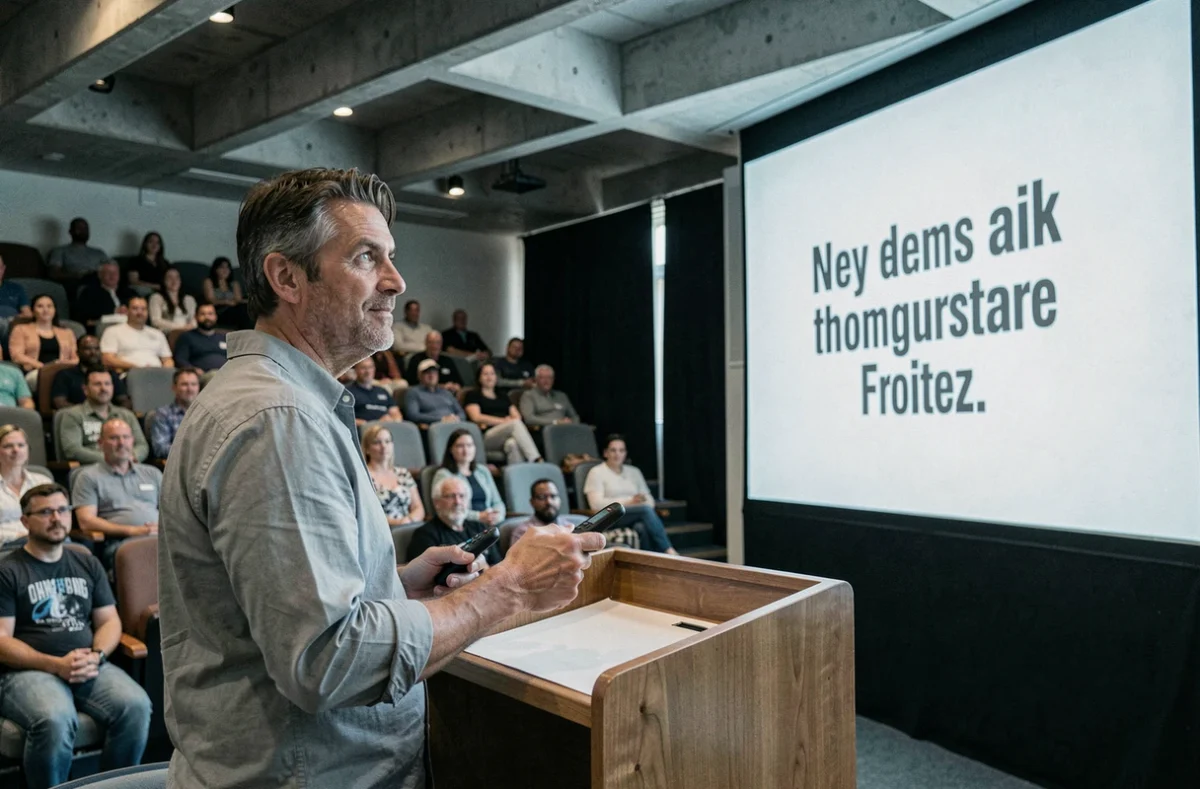
Standing right next to the projection screen eliminates this visual back-and-forth. The audience can see the speaker and the projected material within the same field of vision. This positioning also changes the dynamics of the presentation: the speaker can point directly to items on the screen instead of turning around or using a laser pointer from the back of the room.
Controlling slides from the screen or from your seat
Interactive screens let speakers navigate a presentation by touch. This changes the pace of a conference: the presenter can annotate a chart in real time, return to a previous slide at the audience’s request, or open a supplementary document without going back to their computer.
For rooms equipped with a non-interactive projector, a presentation remote with a reliable receiver remains the simplest solution. Speakers who can advance their slides without looking at their computer screen maintain continuous eye contact with the room, which boosts audience engagement.

Slide design: use less text to strengthen your message
The principle of one idea per slide appears in every set of recommendations, but is rarely put into practice. The temptation to group several points on a single slide persists, especially when speakers are afraid of forgetting something.
Less text on the slide encourages the speaker to develop their points aloud, making the talk more engaging and the visual aid easier to read. Complex animations (3D transitions, multiple effects) distract from the message without improving understanding.
- Use keywords rather than complete sentences on each slide.
- Use images or diagrams to illustrate your points instead of repeating them.
- Limit the number of slides to fit the time available, allowing around one to two minutes per slide to maintain a brisk pace.
- Make sure each visual is understandable without the speaker’s narration, for participants who receive the slides after the conference.
This final requirement ties in with accessibility: a self-contained, readable presentation serves both the audience in the room and those who view the slides after the event.
A successful conference with a projection screen depends less on the quality of the equipment than on the alignment between the speaker’s position, slide design and advance technical checks. The factor most often overlooked is testing readability in real-world conditions, on a small screen as well as from the back row.